Car Code Reader OBD2 Scanner Diagnostic Tool M302 Professional OBDII Scanner+Oil Reset with OBDII Live Data Check Engine Light
Car Code Reader OBD2 Scanner Diagnostic Tool M302 Professional OBDII Scanner+Oil Reset with OBDII Live Data Check Engine Light
Low stock: 10 left
Couldn't load pickup availability
DESCRIPTION
DESCRIPTION
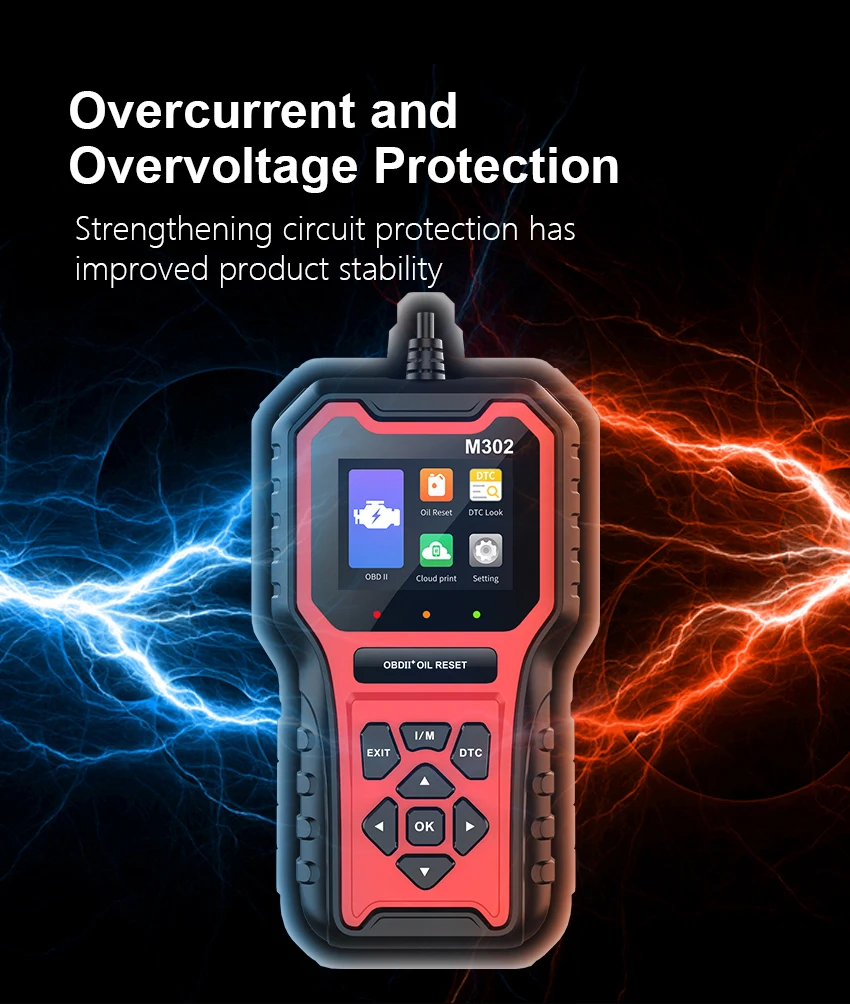
M302 is a multi-functional vehicle fault diagnosis instrument that supports nine OBDll/EOBD standard protocols.Featuring plug-and-play capability, it swiftly fetches vehicle fault codes and performance parameters, establishing itself asa highly comprehensive diagnostic tool.
1.Basic and Special Functions
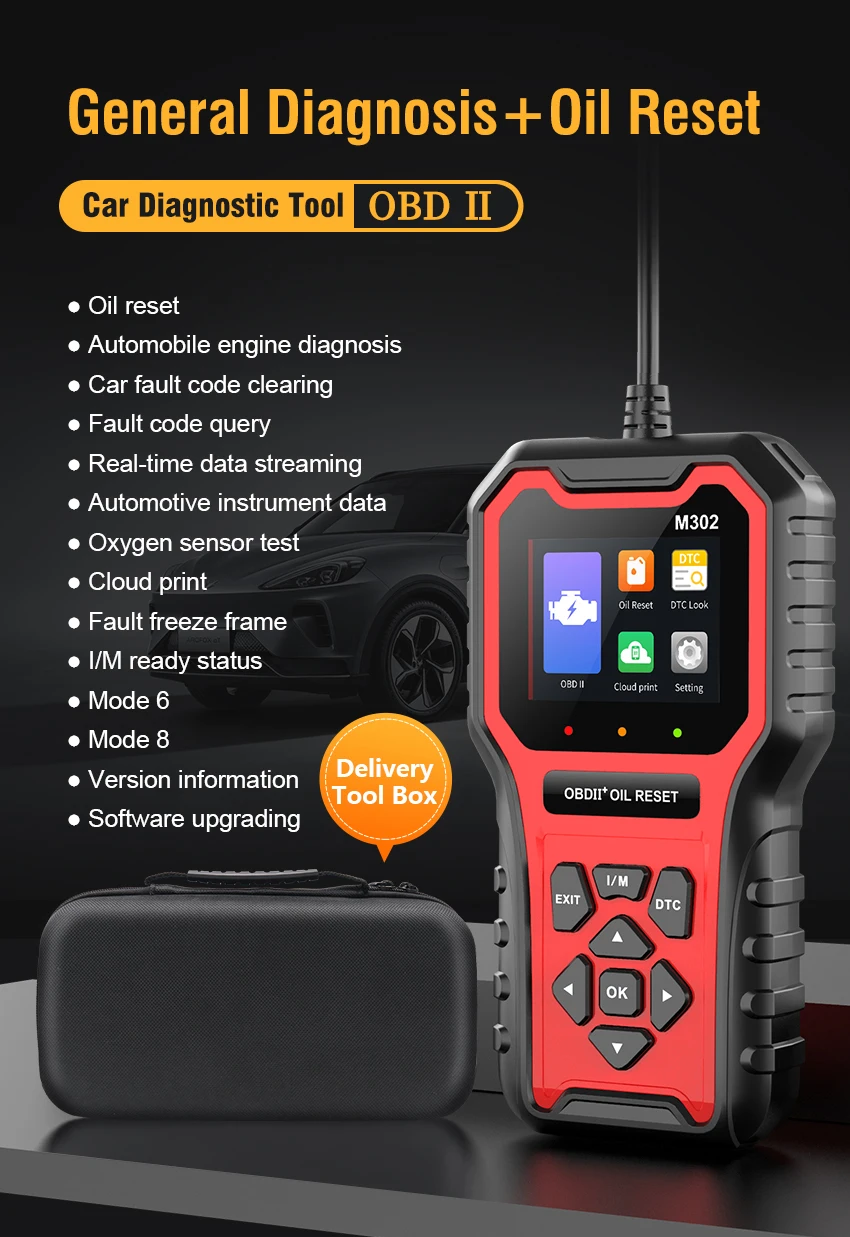
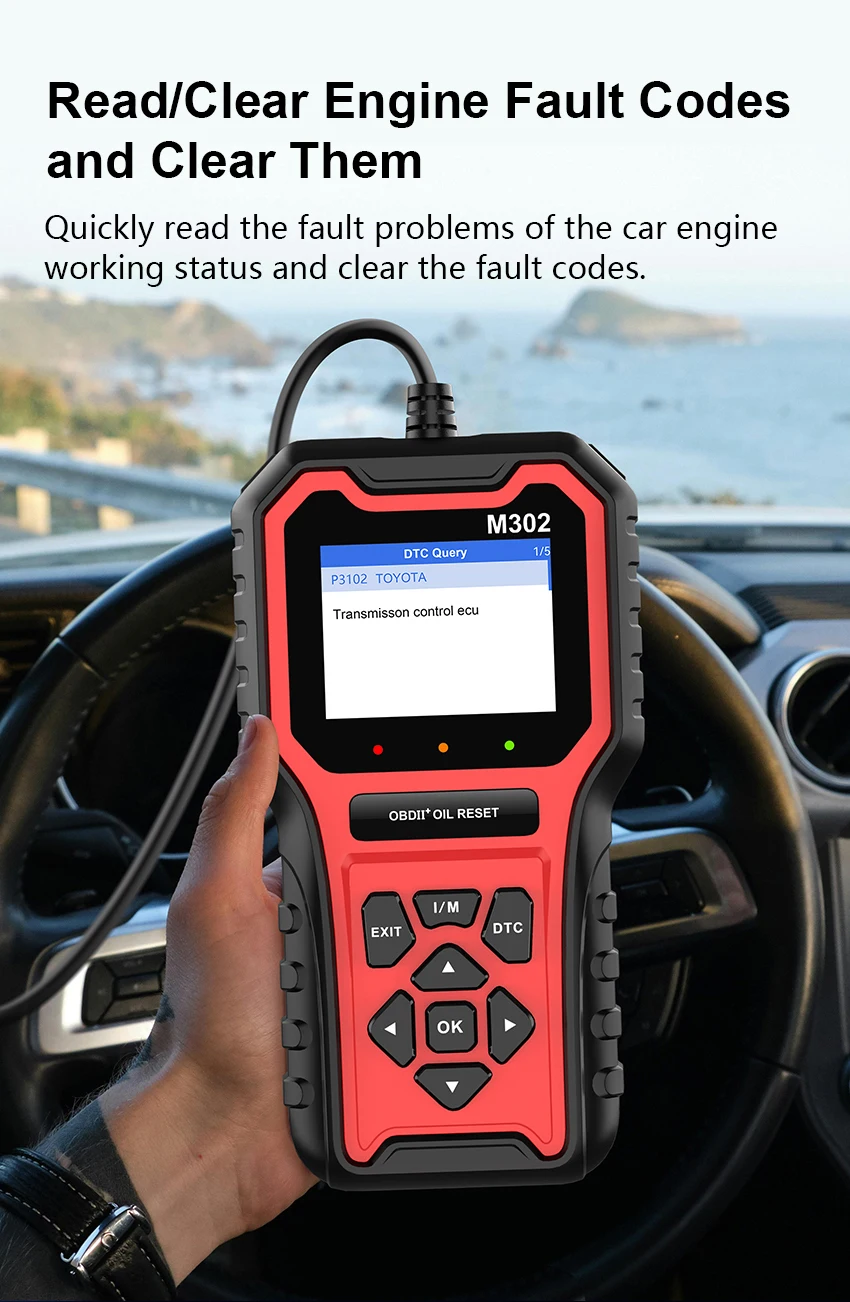
Read the fault code
Clear the fault code
Car freeze frame
I/M ready status
2.SCANNNG FUHNCTIONS
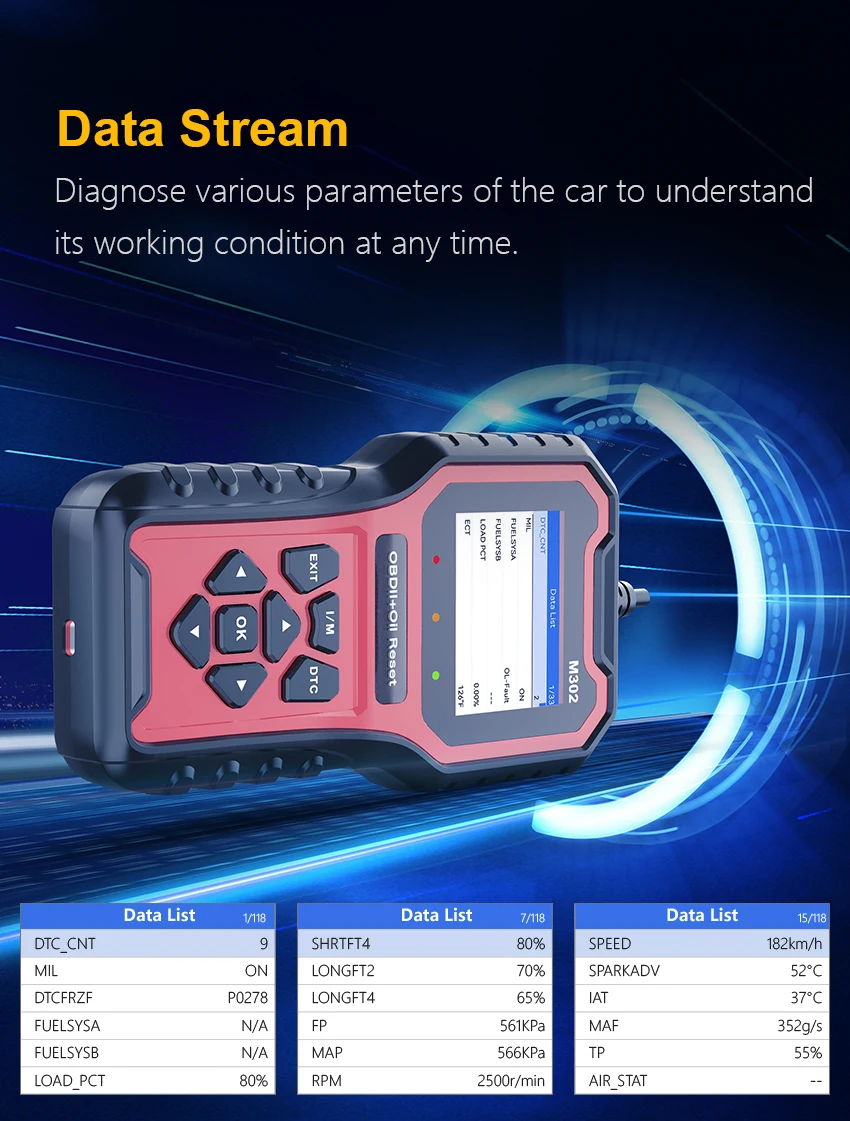
Real time data stream
Oxygen sensor testing
Vehicle mounted system monitoring
Component testing
Mode 6 Test
Mode 8 Test
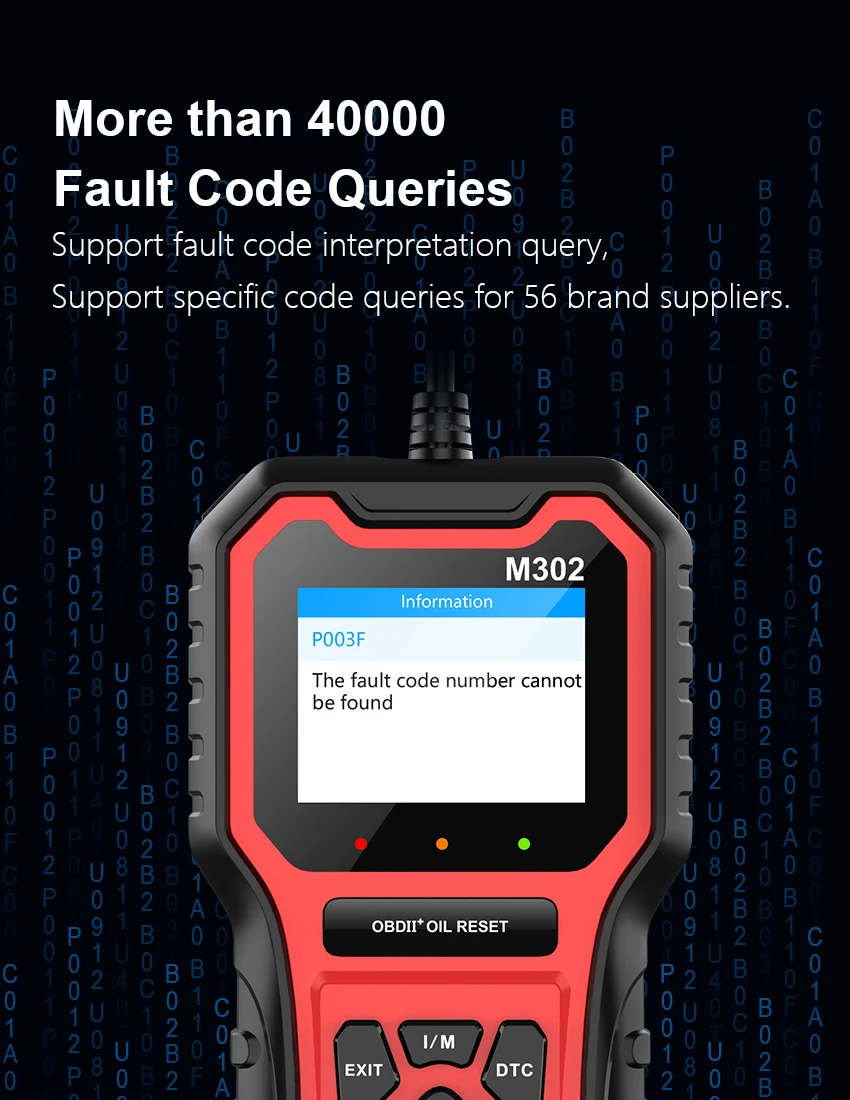
Fault code query
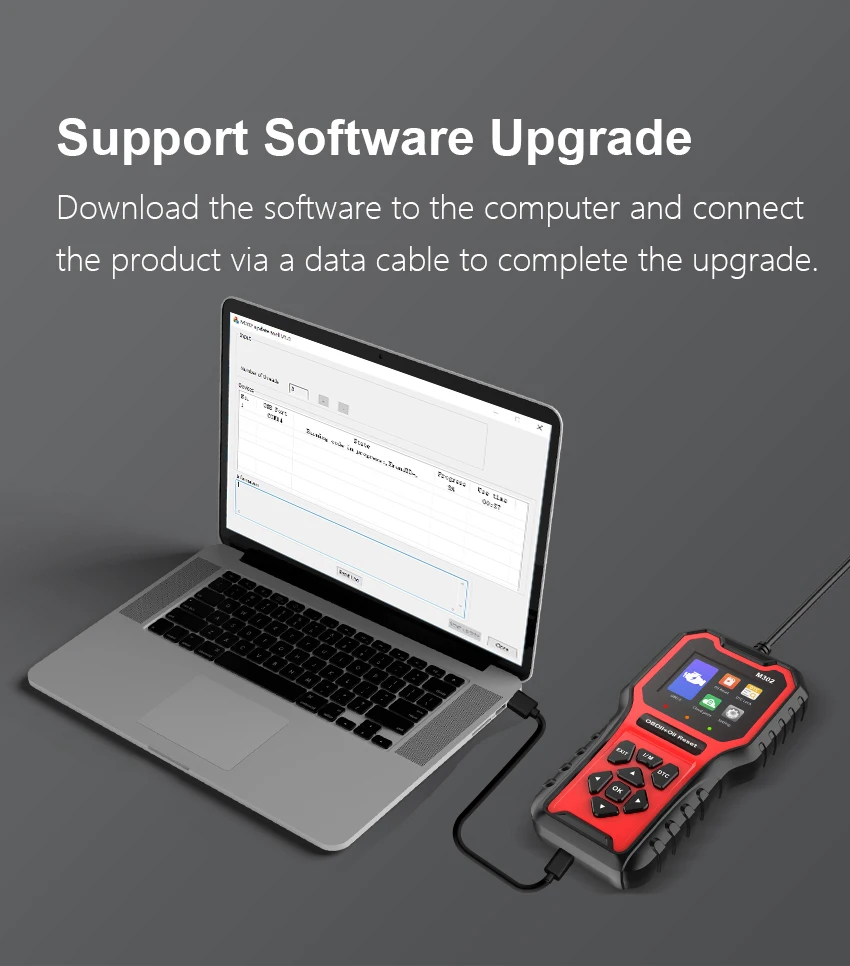
Upgrade function
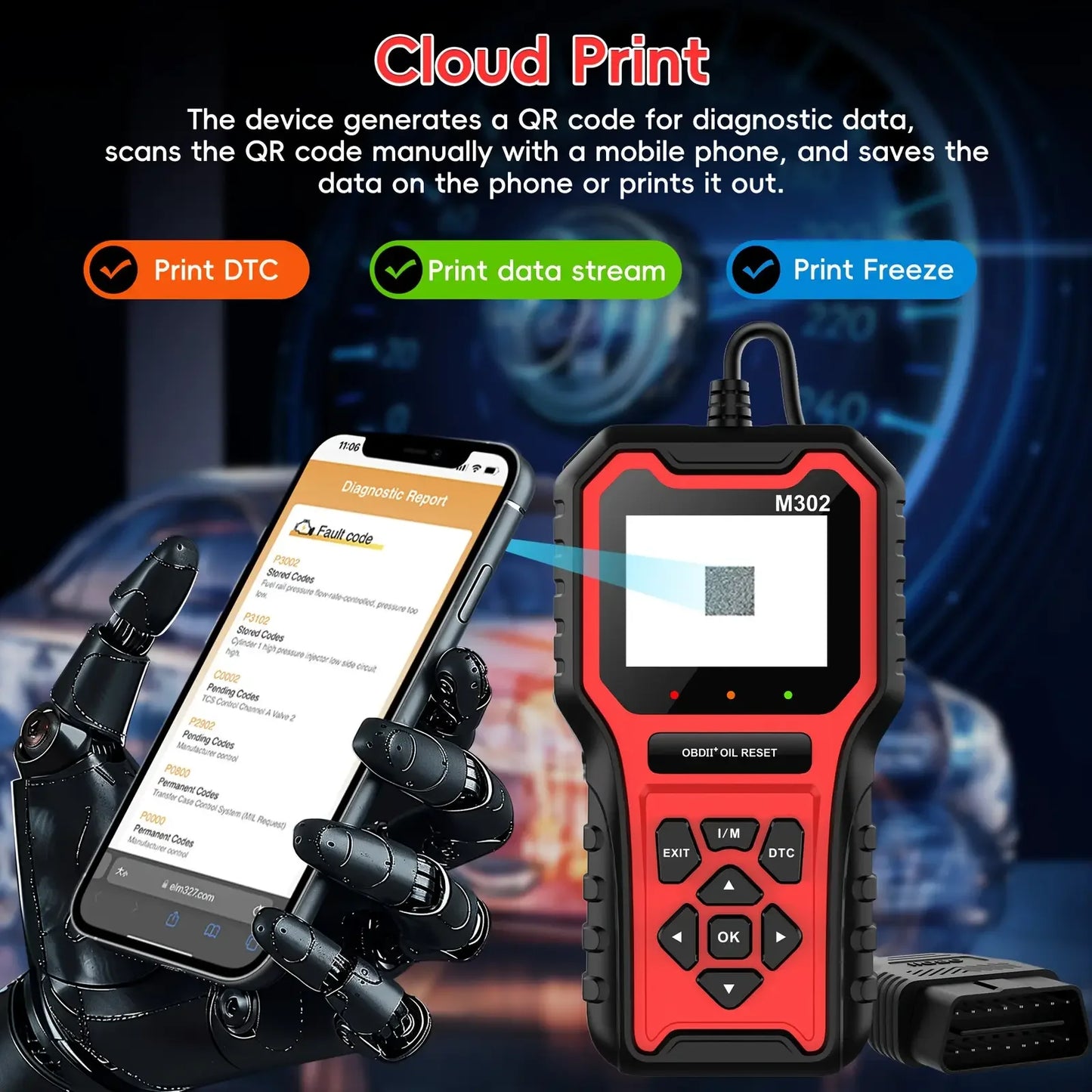
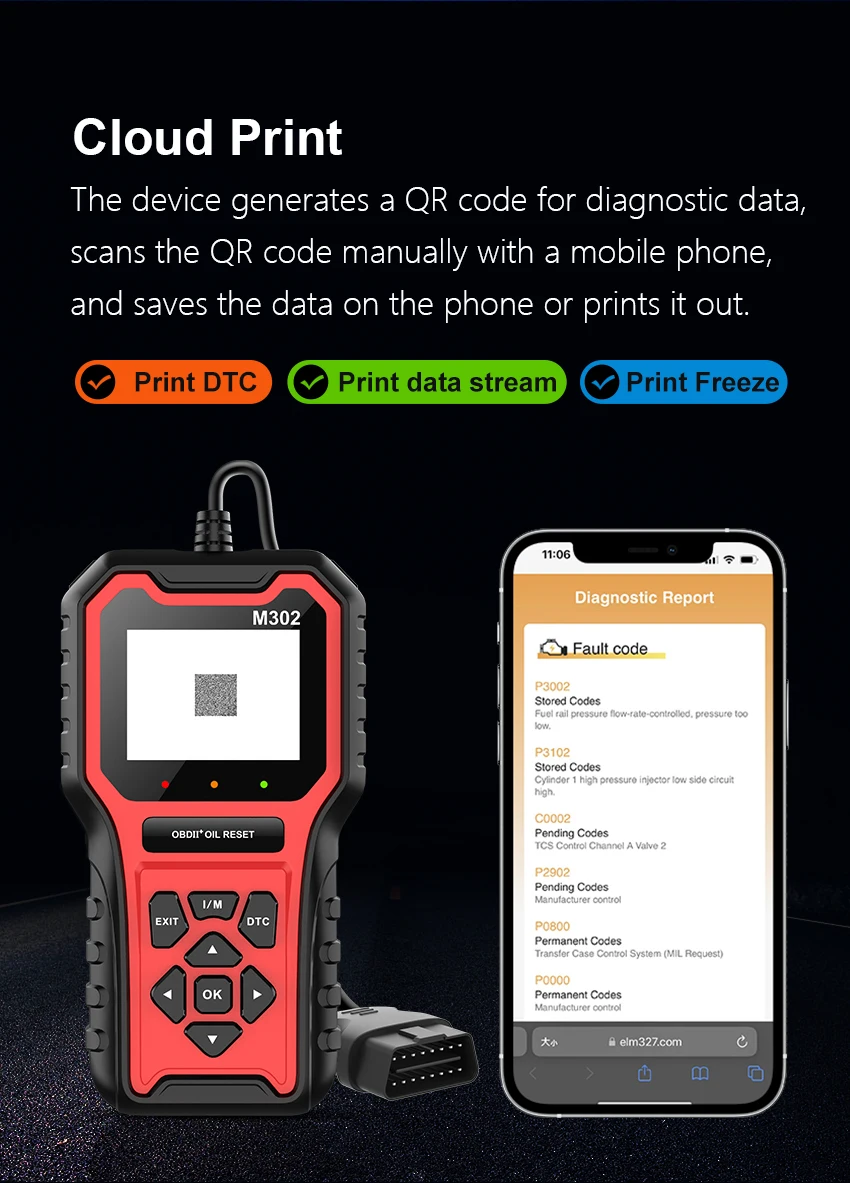
Cloud printing function
Shortcut key function (I/M, DTC)
Support supplier specific codes
40000+fault code library
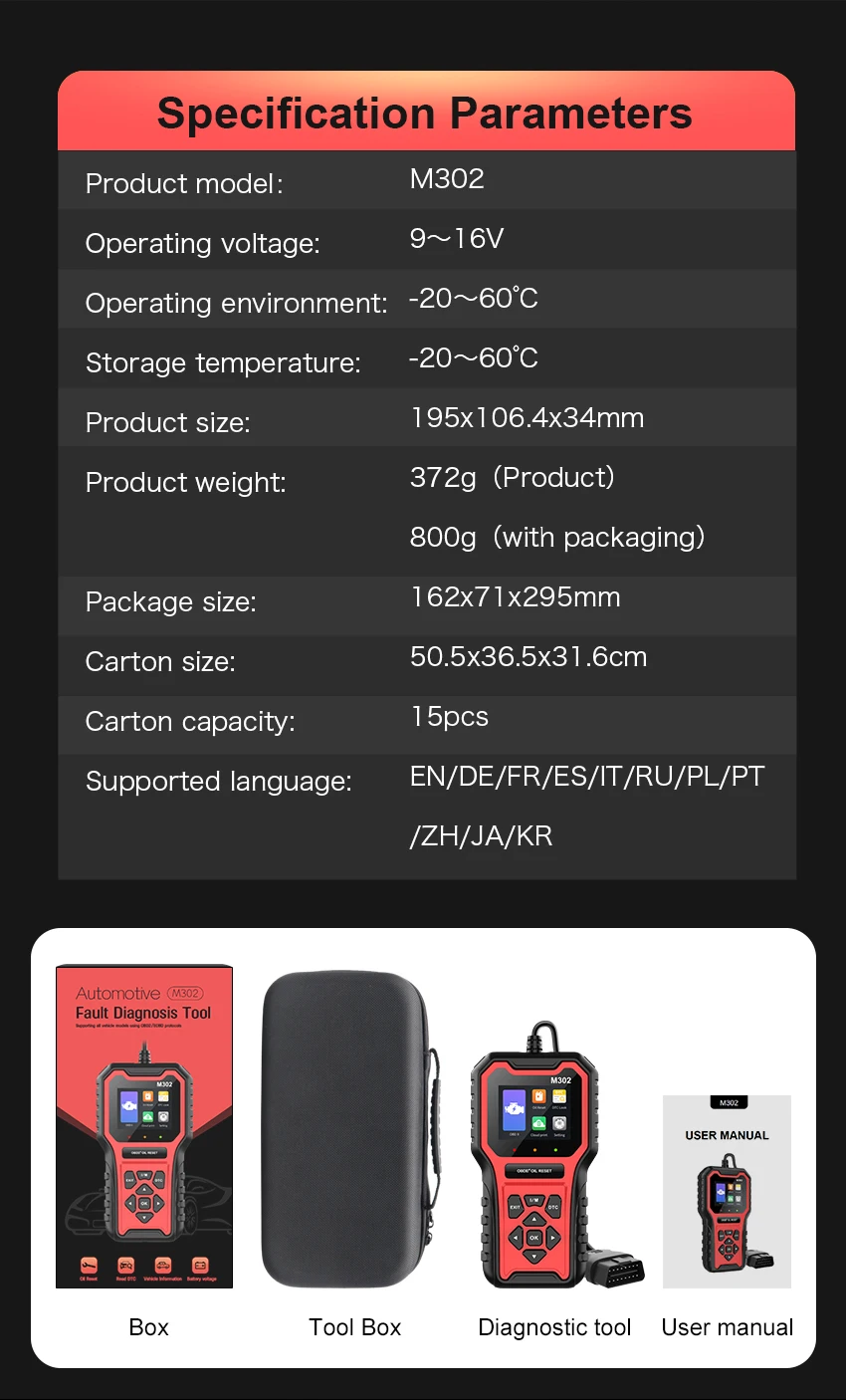
11 Language: English, German, French, Spanish, Italian, Russian, Polish, Portuguese, Chinese, Japanese, Korean
3.Supported vehicle data
Read error diagnostic codes
Clear fault codes (clear error codes and turn off MIL)
Engine RPM (revolutions per minute)
Calculated load value
Coolant temperature
Fuel system status
Vehicle speed
Short term fuel situation
Long term fuel situation
Intake manifold pressure
Fuel injection advance time
Inlet temperature
Airflow velocity
Absolute position of throttle valve
Oxygen detection voltage associated with short-term fuel state
Fuel system status
Fuel pre
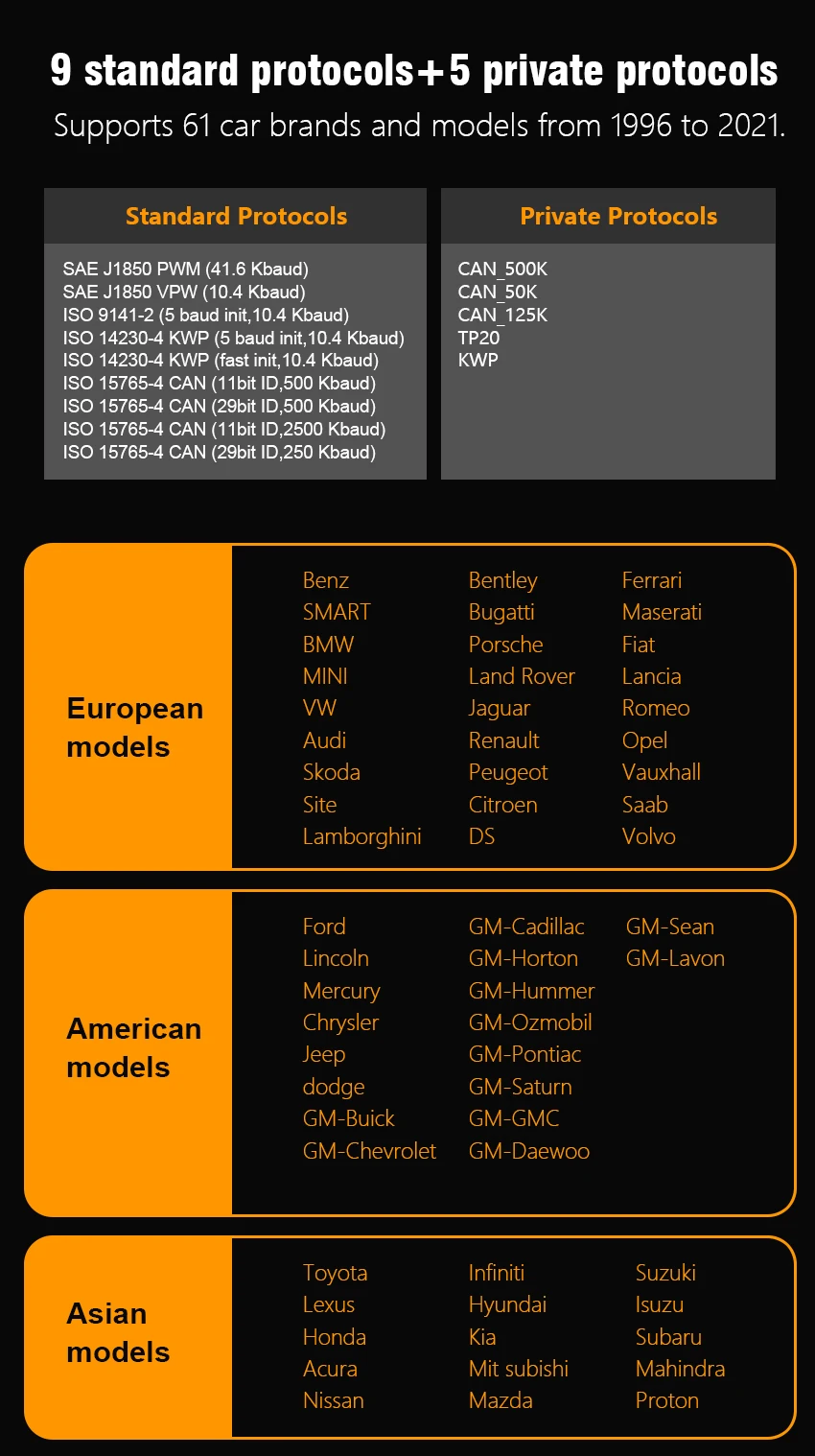
4.Support protocol:
SAE J1850 PWM(41.6 Kbaud)
SAE J1850 VPW(10.4 Kbaud)
ISO 9141-2(5 baud init,10.4 Kbaud)
ISO 14230-4 KWP(5 baud init,10.4 Kbaud)
ISO 14230-4 KWP(fast init,10.4 Kbaud)
ISO 15765-4 CAN(11bit ID,500 Kbaud)
ISO 15765-4 CAN(29bit ID,500 Kbaud)
ISO 15765-4 CAN(11bit ID,2500 Kbaud)
ISO 15765-4 CAN(29bit ID,250 Kbaud)
Support private protocols:
CAN_500K
CAN_50K
CAN_125K
TP20
KW
5.Troubleshooting
Q:Why the vehicle linking error?
A:Follow the steps if the scanner fails to communicate with the ECU.
1– Verify the ignition is ON.
2– Check cable or connector securely connected to the vehicle DLC.
3– Turn the ignition off and wait for about 10 seconds and turn the ignition back to ON and continue the testing.
4– Verify the control module is not defective.
Q:Why he device doesn't power up?
A:If the auto scanner won't power up or operate correctly in any other way, folow the steps to check the connections:
1– Check the connector properly inserted to the socket seat.
2– Check the DLC pins bent or broken.
3– Clean the DLC pins if necessary.
Q:Why the devices have no permission to update?
A:Please contact the local distributor to get authorization.When the display does not work properly:
1–Make sure the machine has been registered online.
2–Make sure the system software and diagnostic application software are properly updated.
3–Check all cables, connections, and indicators to see if the signal is being received
PRODUCT DETAILS
PRODUCT DETAILS
- Relaxed-fit
- Jacquard-knit fabric with wool content
- Round neckline
- Dropped shoulders
DETAILS INFO
DETAILS INFO